






10 best B2B invoicing software in 2026 (compared)
Quick summary
If invoicing is eating your team's time, you're likely dealing with manual price lists or invoices that don't reflect your brand. The best B2B invoicing software automates this while keeping invoices accurate. Top picks include SparkLayer for B2B eCommerce invoicing, Sufio for multi-currency invoices, and Bill.com for full AP and AR automation.
For more, explore our best practice guides.
Choosing the right B2B invoicing software
Multiple price lists, varied payment terms, cross-currency issues, VAT differences. Wholesale invoicing is complex by nature, and all of it needs to work smoothly.
Getting there starts with the right software. One that generates accurate invoices automatically, reflects your brand, and fits your existing systems, instead of creating extra manual work.
This SparkLayer guide covers 10 of the best B2B invoicing tools available right now, including which platforms they work best with and what each one charges.
Why trust us
SparkLayer powers B2B operations for 3,500+ brands across food and beverage, apparel, and industrial sectors. We built invoicing directly into our B2B eCommerce platform, so we know firsthand what wholesale brands actually need from an invoicing tool, not just what looks good on a features page.
Read our story to learn more about why we built SparkLayer this way.
10 best B2B invoicing software to automate wholesale billing in 2026
| # | Tool | Type | Auto-Invoicing From Orders | Free Trial |
|---|---|---|---|---|
| 1 | SparkLayer | Full B2B eCommerce platform | Yes, automatically | 14 days |
| 2 | Sufio | Invoicing-only app | Yes (Shopify orders only) | Yes |
| 3 | Square | Invoicing-only app | No, manual creation | N/A |
| 4 | Intuit QuickBooks | Full accounting platform | No, manual creation | 30 days |
| 5 | Order Printer Pro | Invoicing-only app | Yes (Shopify orders only) | Yes |
| 6 | Xero | Full accounting platform | No, manual creation | 30 days |
| 7 | FreshBooks | Invoicing and accounting | No, manual creation | 30 days |
| 8 | Zoho Invoice | Invoicing-only app | No, manual creation | N/A |
| 9 | Bill.com | AP and AR automation platform | No, manual creation | 30 days |
| 10 | Invoice Ninja | Invoicing-only app | No, manual creation | 30 days (Pro) |
1. SparkLayer
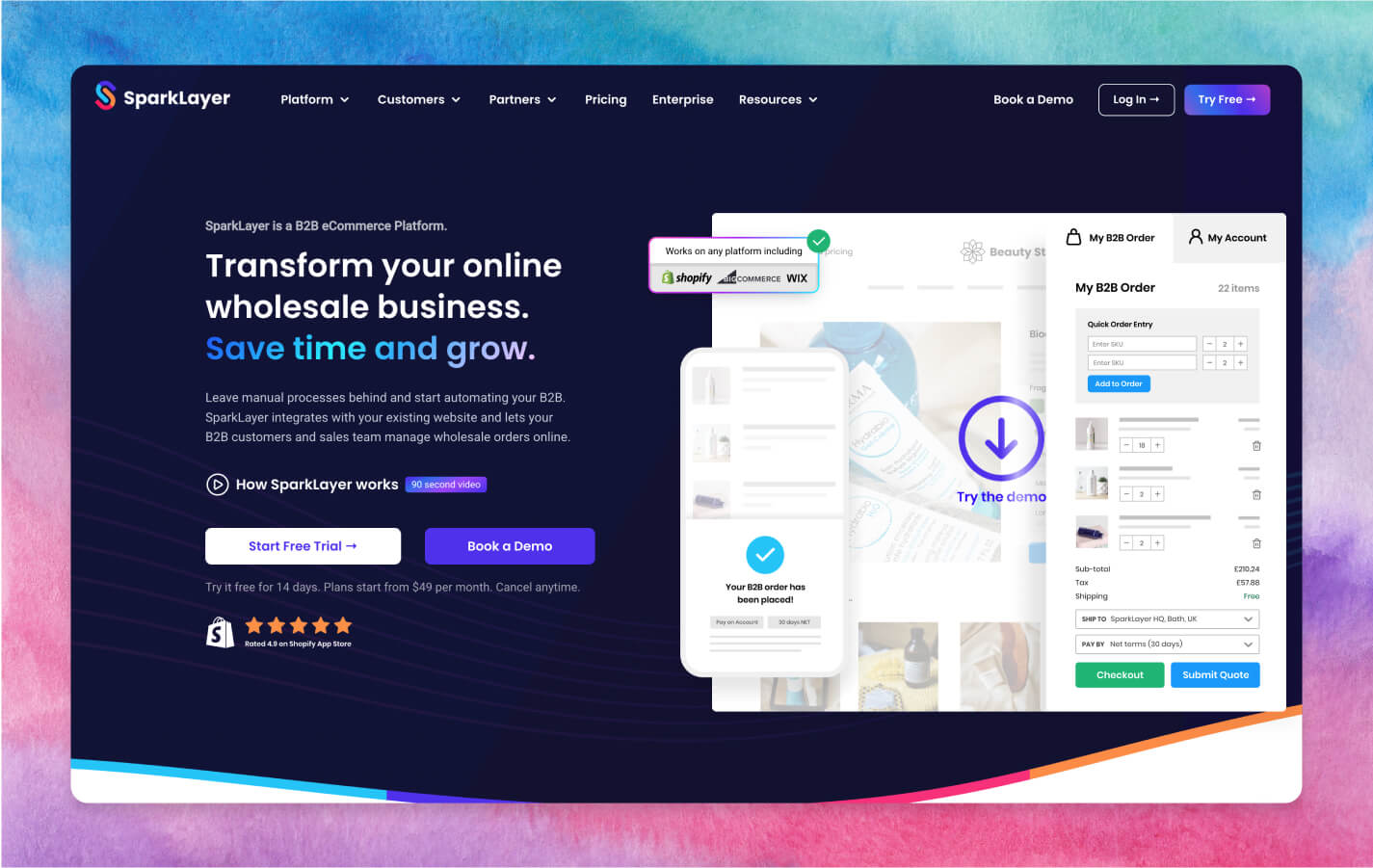
SparkLayer is built for B2B eCommerce brands who want invoicing as part of a connected wholesale experience, not a bolt-on tool. Invoices generate automatically alongside orders, customer groups, and price lists, so your finance and sales processes run from the same system. It's the strongest fit for brands already running (or planning to run) wholesale on Shopify, BigCommerce, or Wix.
Key features
- Automated invoice generation: invoices are created automatically the moment a B2B order is placed, with no manual entry required from your finance team.
- Native accounting sync:SparkLayer Unify connects invoices directly to your accounts software, keeping orders, payments, and balances reconciled in real time.
- Customer group pricing: invoices reflect the exact pricing and terms assigned to each customer group, with no separate price sheet to maintain.
- Branded invoice templates: invoices match your store's look and feel, and customers can view or download them anytime from their account area.
Pricing
**Free: **$0/month **Growth: **$149/month (includes invoicing) 14-day free trial on all paid plans
✓Pros
- Invoicing is part of a connected wholesale platform, not a separate app to manage
- Strong fit for merchants already using SparkLayer for B2B ordering
- Comprehensive onboarding and re-training included at no extra cost
- Combines ordering, quoting, invoicing, and account management in one platform.
- Works with your existing ecommerce store, with no platform rebuild required.
✕Cons
- Invoicing is not available on the entry-level Starter plan
2. Sufio
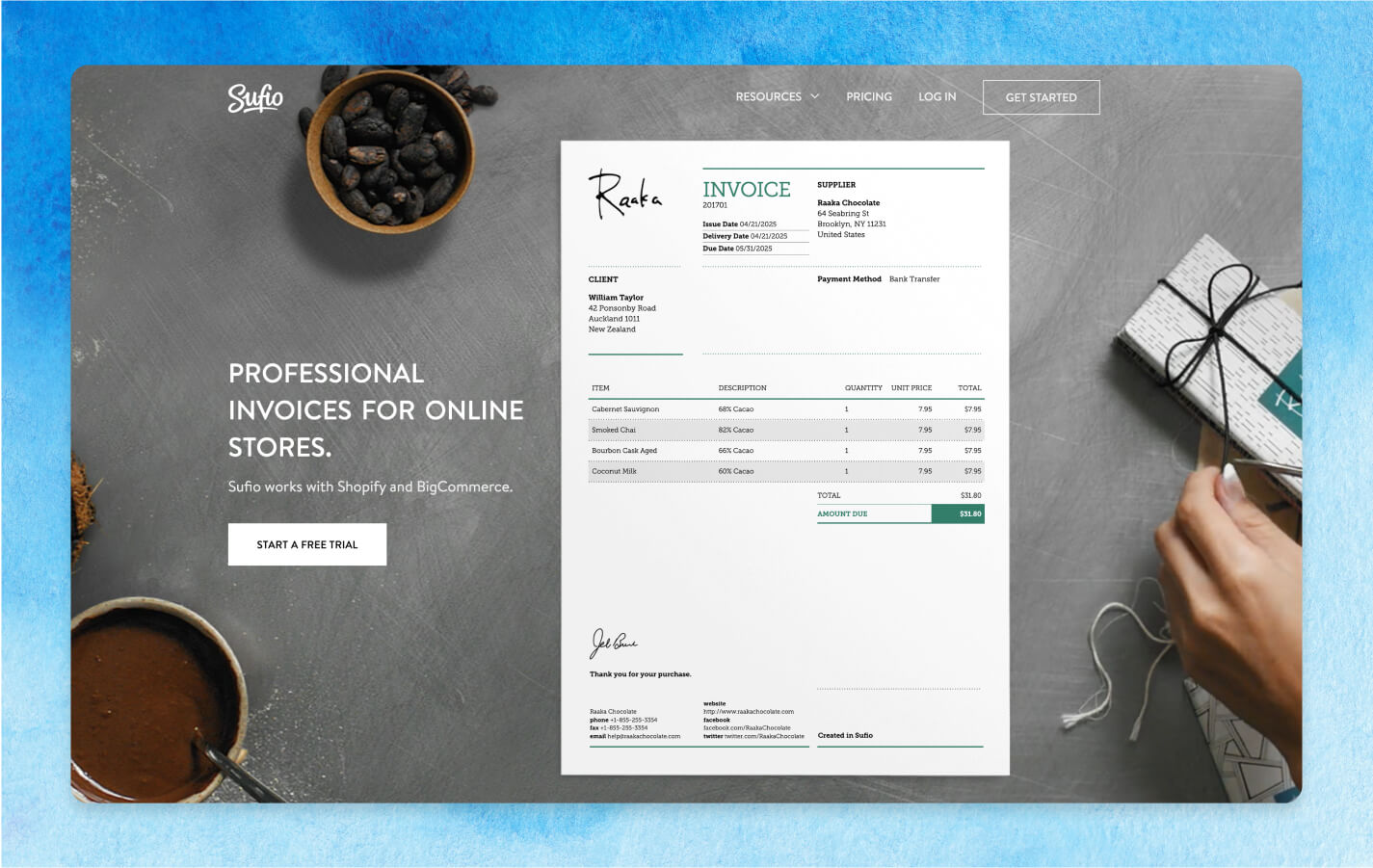
Sufio focuses purely on professional invoicing for Shopify merchants. It integrates with SparkLayer directly, making it a natural pairing for brands that want polished, compliant invoices without leaving their existing B2B setup.
Key features
- Customisable templates: invoices are professionally designed and fully customisable, so they carry your branding without requiring any design work from your team.
- Multi-currency and multi-language: invoices automatically display in the customer's local currency and language, built in for brands selling across multiple regions.
- Automated generation from Shopify orders: invoices are created the moment a Shopify order is placed, removing the need for manual creation entirely.
- Compliance-first design: invoices meet accounting and tax requirements out of the box, which is why Sufio is popular with accountants and finance teams.
Pricing
- From $7/month
✓Pros
- Strong multi-currency and multi-language support for international selling
- Clean, professional templates with minimal setup
- Built specifically for Shopify, so integration is seamless
✕Cons
- Limited functionality outside the Shopify ecosystem
- May require additional setup for non-standard invoicing needs
3. Square
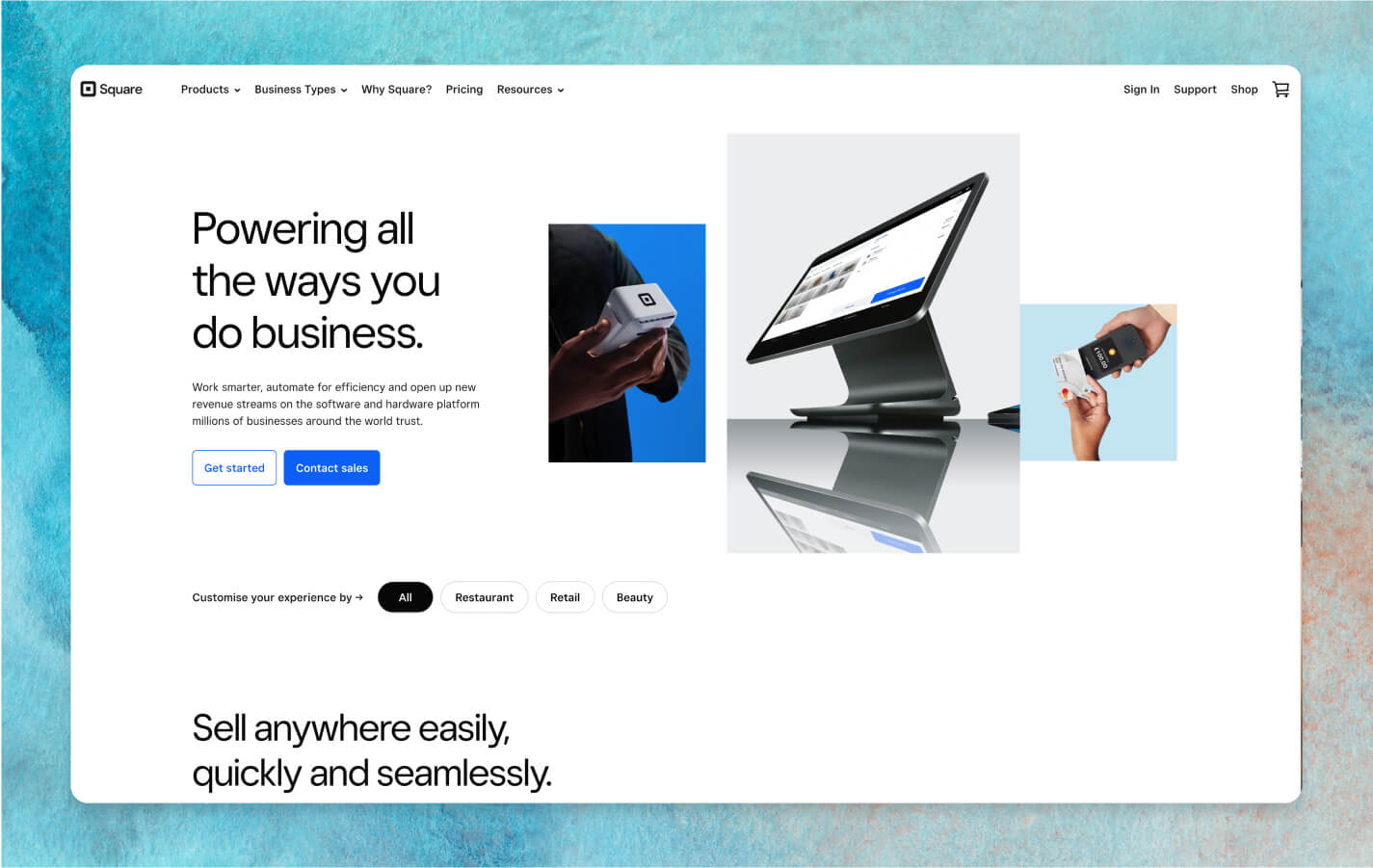
Square brings its well-known ease of use to invoicing, with a free plan that includes unlimited invoices. It suits small and mid-sized businesses that want a working invoicing tool without a steep learning curve.
Key features
- Unlimited free invoicing: the free plan includes unlimited invoices with no monthly cap, making it a genuinely usable option rather than a stripped-down trial.
- Pre-built industry templates: ready-made templates for retail, hospitality, and beauty businesses get you sending professional invoices within minutes of signing up.
- Real-time invoice tracking: track invoice status as it happens, with automated reminders sent to customers whose payments are overdue.
- POS and hardware integration: invoicing connects directly with Square's point-of-sale and hardware, useful for sellers running both in-person and online sales.
Pricing
- From $0/month
✓Pros
- Free plan with unlimited invoices
- Fast set up with no steep learning curve
- Strong fit for businesses already using Square hardware or POS
✕Cons
- Limited customisation, particularly around metafield editing
- Most payment options carry processing fees
4. Intuit QuickBooks
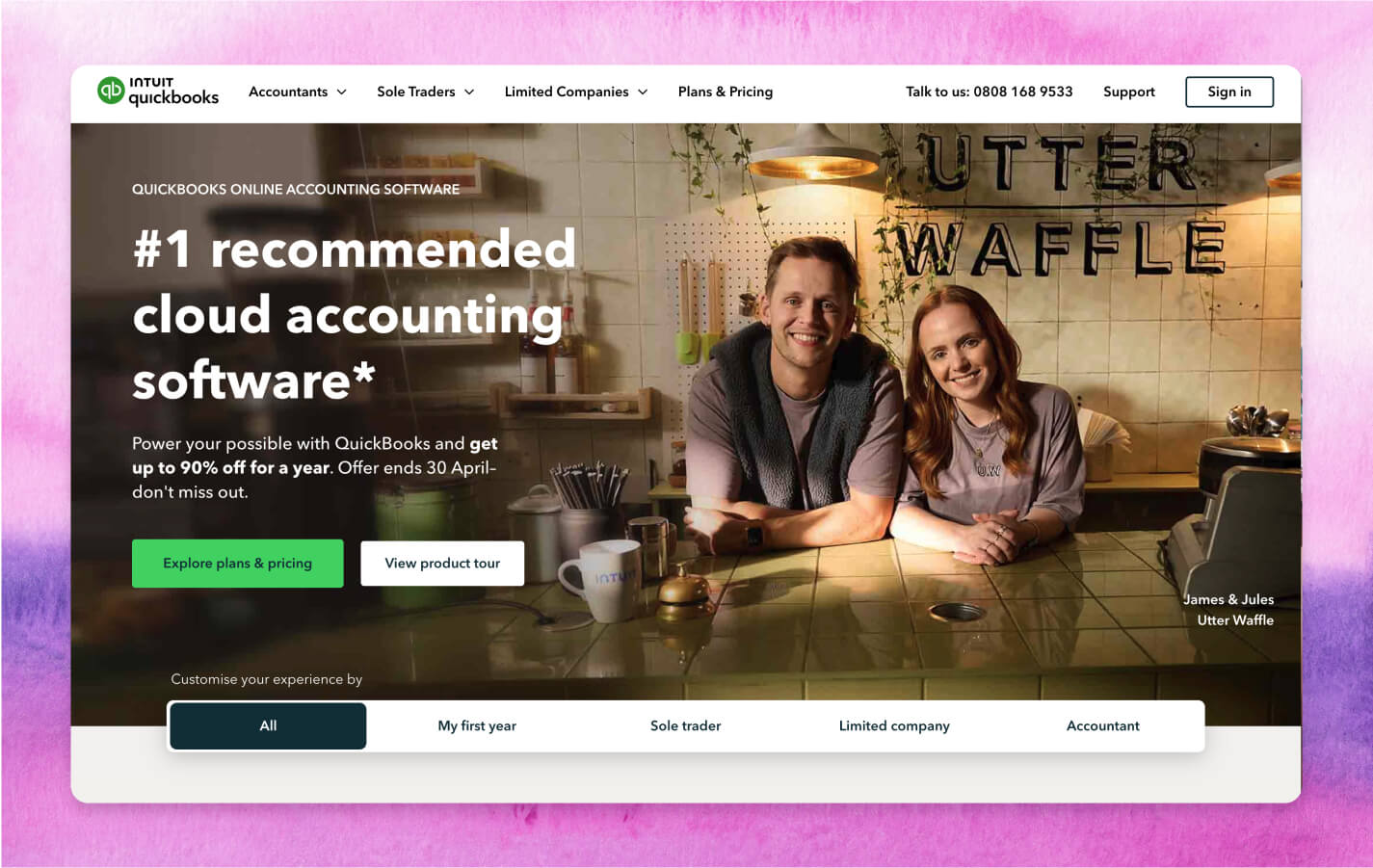
QuickBooks is best known as accounting software, but its invoicing functionality holds up well on its own. For brands wanting one platform to cover invoicing and broader financial management, QuickBooks is hard to beat.
Key features
- Recurring invoices: set up invoices to generate and send automatically on a schedule, with payment tracking handled alongside them with no manual chasing.
- VAT submissions to HMRC: higher plans submit VAT returns directly to HMRC, removing a separate compliance task for UK-based brands.
- Full accounting suite: invoicing sits inside a complete accounting platform, so brands get bookkeeping, payroll, and reporting in one subscription.
- Financial insight tools: built-in reporting gives visibility into cash flow and outstanding invoices, useful for brands managing finances beyond invoicing alone.
Pricing
- From $38/month
✓Pros
- Covers invoicing and full accounting in one platform
- Recurring invoice and payment tracking reduce manual admin
- VAT submission built in on higher plans, useful for UK brands
✕Cons
- No onboarding included on lower plans, leading to a steeper learning curve
- More expensive than invoicing-only tools for brands who don't need full accounting
5. Order Printer Pro
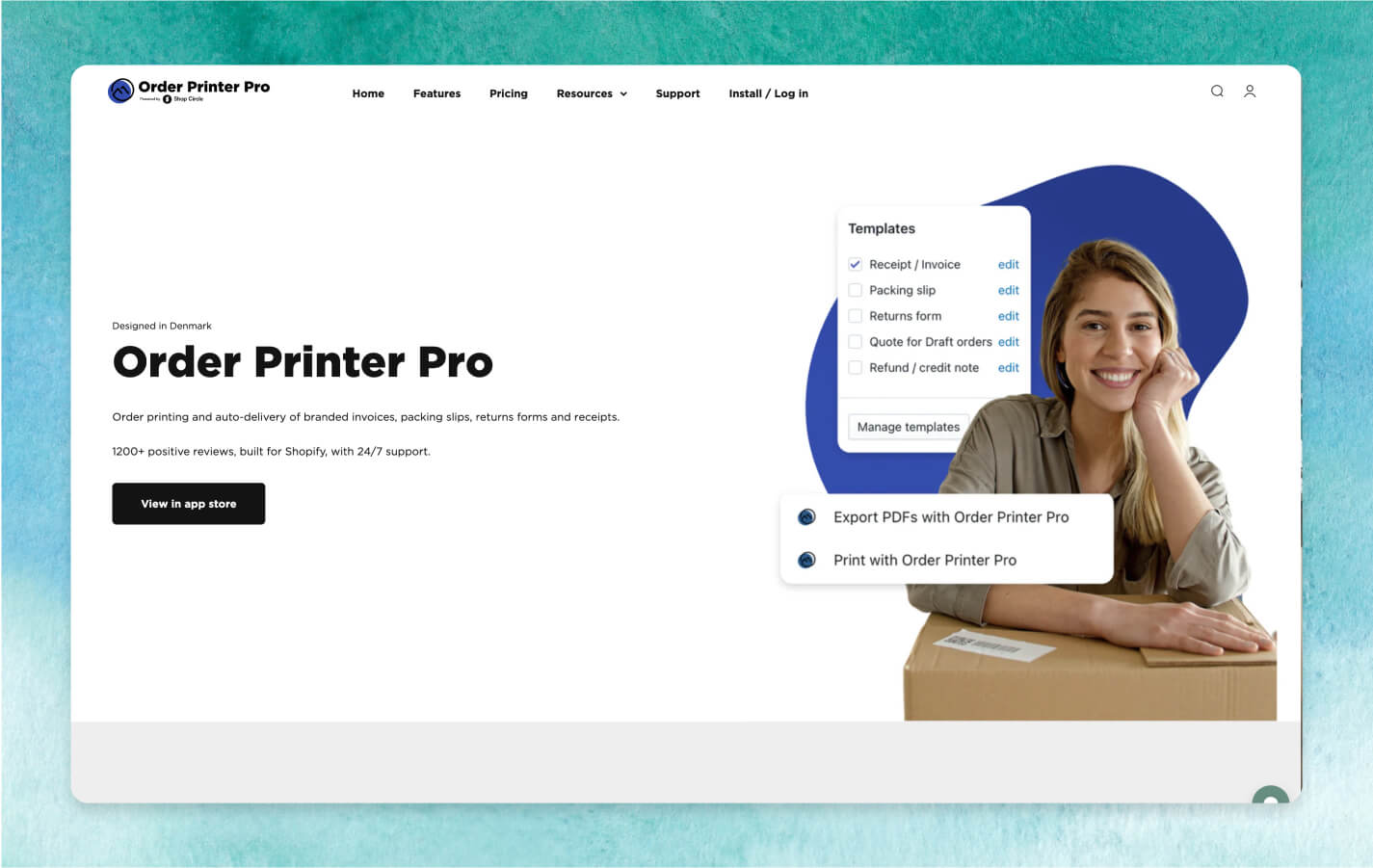
Order Printer Pro is a Shopify-native app focused on getting professional invoices and documents into customers' hands automatically. It's a strong, low-cost option for Shopify merchants who don't need a full invoicing platform.
Key features
- Customisable templates: invoice templates can be styled to match your brand, with full customisation available for merchants comfortable with some back-end coding.
- Automatic PDF delivery: invoice PDF links are sent to customers automatically after checkout, reducing reliance on your sales or support team.
- Multi-currency and VAT support: invoices display the correct currency, VAT, and translated content automatically, built for merchants selling internationally from Shopify.
- Bulk printing: print invoices in bulk directly from the Shopify admin, POS, or a mobile device, useful for high-volume order days.
Pricing
- From $0/month (paid plans from $10/month for 500 orders)
✓Pros
- Automatically delivers invoices without relying on sales or support teams
- Multi-currency and VAT support out of the box
- Free plan covers up to 50 orders per month
✕Cons
- Built specifically for Shopify, with limitations on other platforms
- Pricing scales with total order volume, not just app usage
6. Xero
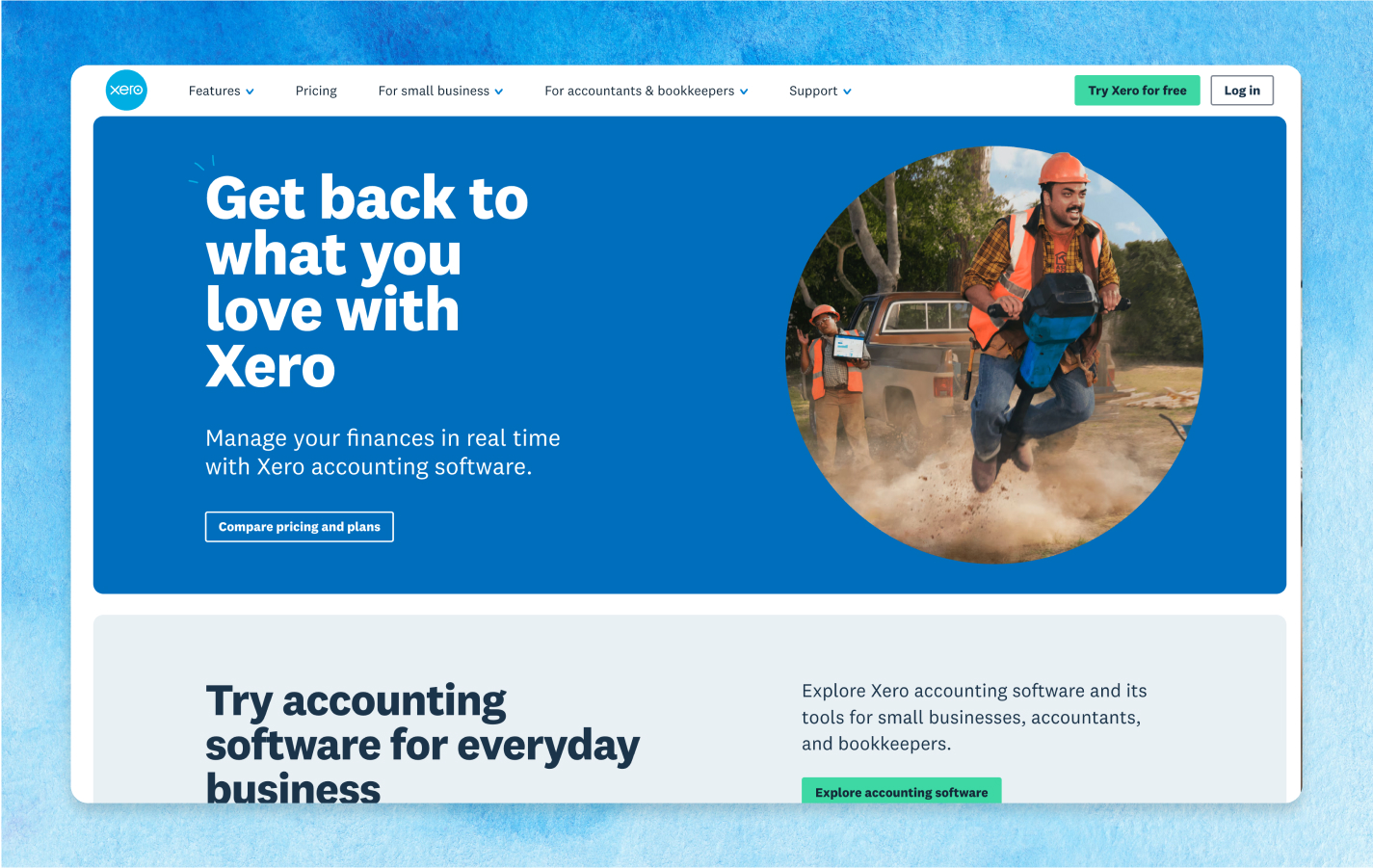
Xero is a trusted name in small business invoicing, with strong mobile functionality and one-click payments for customers. It's a solid choice for brands that need flexibility and speed.
Key features
- Mobile-first invoicing: create and send invoices directly from your phone, with customers able to pay in a single click from wherever they are.
- Bulk invoice drafting: draft and edit multiple invoices at once, saving time for brands sending a high volume of invoices regularly.
- Credit notes and reconciliation: issue credit notes and reconcile account balances easily, keeping your books accurate without extra manual checking.
- Progress monitoring: track the status of multiple invoices at a glance, so nothing slips through the cracks as volume grows.
Pricing
- From $29/month, with a discount at $5.80 for the first 3 months
✓Pros
- Mobile-first design for invoicing on the go
- Bulk drafting and editing saves time for high-volume invoicing
- Flexible enough for businesses that don't operate from a desk
✕Cons
- Lower plans cap the number of invoices you can create
- Support infrastructure is less established than some competitors
7. FreshBooks
FreshBooks is built for service businesses and brands that want invoicing to feel client-friendly and professional. It's particularly strong for brands that bill the same clients repeatedly.
Key features
- Professional templates with online payment: invoices come with clean, client-friendly design and built-in online payment links, speeding up how fast you get paid.
- Automated reminders and recurring invoices: payment reminders and recurring invoices run automatically, removing the need to chase the same clients manually each cycle.
- Double-entry accounting: Plus plans and above include double-entry bookkeeping alongside invoicing, useful for brands wanting more financial accuracy.
- Client portal: clients can log in to track their own invoice and payment history, reducing the volume of status-check emails your team receives.
Pricing
- From $23/month
✓Pros
- Easy to use, even for non-technical teams
- Polished invoice design
- Online payment support speeds up collection
✕Cons
- Billable client caps mean growing businesses are pushed to upgrade quickly
- Card processing fees can add up significantly at volume
8. Zoho Invoice
Zoho Invoice stands out for being free to use, with no cap on invoices for businesses under a revenue threshold. It includes multi-currency support, making it a strong budget pick for brands selling internationally.
Key features
- Unlimited free invoicing: the free plan supports unlimited invoices for businesses under a revenue threshold, with no feature-stripped trial period attached.
- Multi-currency and multi-language: invoices display in the customer's currency and language automatically, included even on the free plan with no upgrade required.
- Recurring invoices and client portal: set up recurring billing with automated reminders, while clients self-serve through a portal to view their own history.
- Zoho ecosystem integration: connects directly with Zoho CRM, Books, and Analytics, useful for brands already running other Zoho products.
Pricing
- From $0/month
✓Pros
- Solid free plan, not just a stripped-down trial
- Multi-currency support included even without upgrading
- No per-user fees, so cost doesn't scale with team size
✕Cons
- Free plan branding ("Powered by Zoho Invoice") can't be removed
- Slow customer support response times
9. Bill.com
Bill.com (now branded BILL) is an invoicing software that also includes accounts payable and receivable automation capabilities. Its automation features make it ideal for B2B brands managing both incoming bills and outgoing invoices.
Key features
- Two-way accounting sync: data flows automatically between Bill.com and QuickBooks, Xero, or NetSuite, removing the manual reconciliation most invoicing tools require.
- Automated AP and AR workflows: approval chains for both bills owed and invoices issued run automatically, configurable to match how your finance team already works.
- Multiple payment methods: customers and suppliers can pay or be paid via ACH, wire transfer, or virtual card, all managed from one platform.
- Custom user roles: assign specific permissions across payables and receivables, useful for finance teams where different people manage different sides of the process.
Pricing
- From $45/user/month
✓Pros
- Automates both sides of B2B finance
- Two-way accounting sync reduces manual reconciliation
- Scales well for finance teams managing high transaction volumes
✕Cons
- Per-user pricing gets expensive quickly for larger teams
- Per-payment transaction fees apply on top of the subscription
10. Invoice Ninja
Invoice Ninja is the open-source option on this list, appealing to brands that want full control over their invoicing data and setup. The self-hosted version is free, with paid cloud plans for brands that don't want to manage their own server.
Key features
- Free self-hosted version: run Invoice Ninja on your own server with no software licence fee, giving you full control over your invoicing data.
- Multi-currency and multi-language: invoices automatically adapt to the customer's currency and language, included even on the free self-hosted tier.
- Client portal with document upload: clients can upload supporting documents and view proposals directly through a self-service portal, reducing back-and-forth email.
- Time tracking and project management: link time tracking and project data directly to invoices, useful for brands billing based on hours or milestones.
Pricing
- Free (self-hosted)
- Ninja Pro: $14/month (or $140/year)
✓Pros
- Self-hosted option means no recurring software fee, ever
- Open-source flexibility for brands wanting deep customisation
- Multi-currency support included even on the free tier
✕Cons
- Self-hosting requires managing your own server and updates
- Invoice template customisation is more limited than paid competitors
How do I choose the right B2B invoicing software for my eCommerce business?
Now you've seen the options, here's what to weigh up before deciding on B2B invoicing software for your business. Key features to prioritise include:
- Customisable invoices that reflect your brand's identity
- Automated and manual options to suit your workflow
- Branded templates for a polished, professional look
- Downloadable versions for customer records
- All-in-one platforms that integrate with your existing systems
Join 3,500+ brands growing their wholesale operation with SparkLayer.
Start free, or trial every feature for 14 days.
Ready to find the right B2B invoicing software?
Whether you’re a growing brand just getting started with wholesale or an established hybrid merchant looking to streamline processes, the right invoicing tool can add infinite value! From complete eCommerce solutions like SparkLayer to accounting-led tools like QuickBooks, there’s a huge range of great B2B invoicing apps designed to fit your business…
Interested in how we can support your wholesale set-up - including B2B invoicing? Book a demo with our team now!
Pricing is correct at the time of this post going live. Pricing may change, so it's always best to check each provider's website directly.