Return to site

Book a live demo with a B2B expert.

See how SparkLayer fits your setup and what it would take to launch your new B2B store, fast.

  • Get a tailored walkthrough based on your business
  • Learn how it works with your existing systems
  • Get a plan for rollout and adoption
  • Live with Q&A with a B2B eCommerce expert

Try SparkLayer for FREE

Get started today – see SparkLayer on your store.

Start for free →

🚀 Let's begin your B2B transformation.

We'll send you a video tour of SparkLayer to your email.

Alex Weston

We'll get back to you within 1 hour to arrange a good time to speak. Alex Weston, Sales Team

Not quite ready for a chat? Try our interactive demo instead.
You can also email us at hello@sparklayer.io.
Rated 4.9 out of 5 on the Shopify App Store
SPARKLAYER UNIFY · Now Live / 01 Forms · 02 Catalogs · 03 Accountancy / One Platform Explore now →
New SparkLayer Accounting

Shopify, Xero & QuickBooks Online.

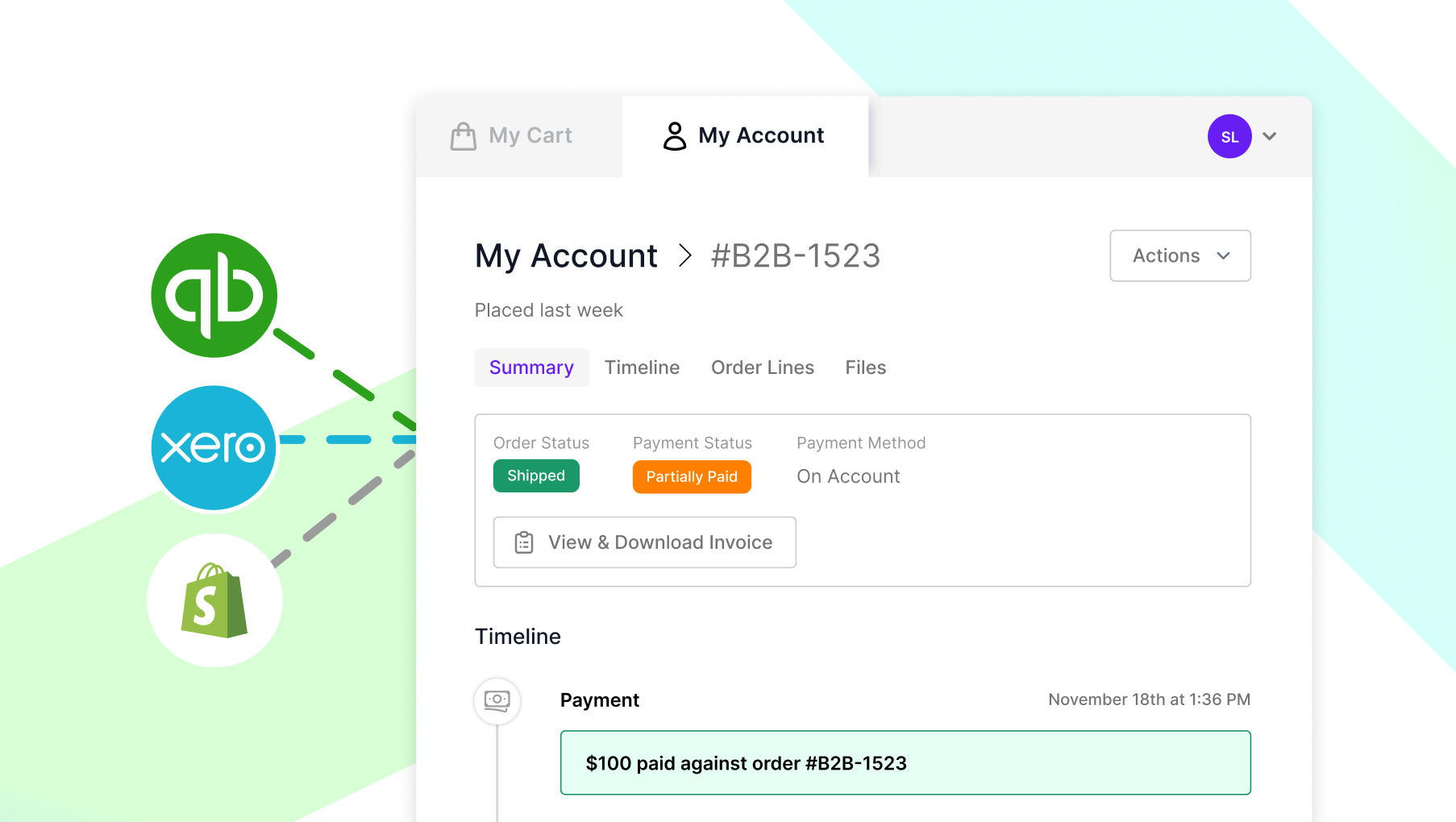
Connect your Shopify wholesale orders with Xero or QuickBooks Online. SparkLayer's B2B accounting integration automatically creates invoices, syncs payment status, and gives customers real-time visibility of what's paid and what's owed - directly inside your store.

  • Perfect for
  • Shopify Xero integration
  • Shopify QuickBooks Online integration
  • Automated B2B invoicing
Works with Xero Quickbooks Shopify

Sync invoices & payment data.

SparkLayer connects directly to Xero, QuickBooks Online, and Shopify, syncing the B2B invoicing and accounting data that matters most to your wholesale operation.

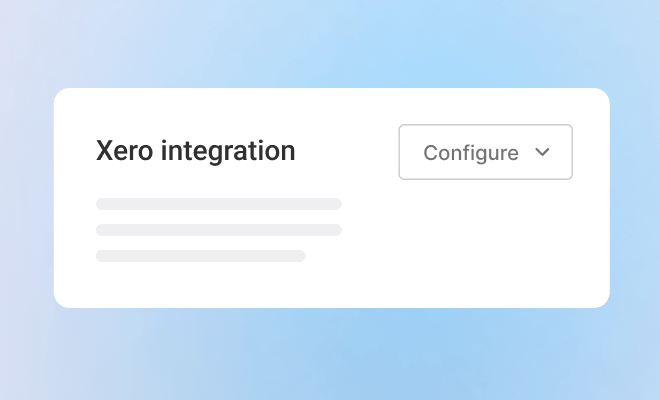
SparkLayer Accountancy

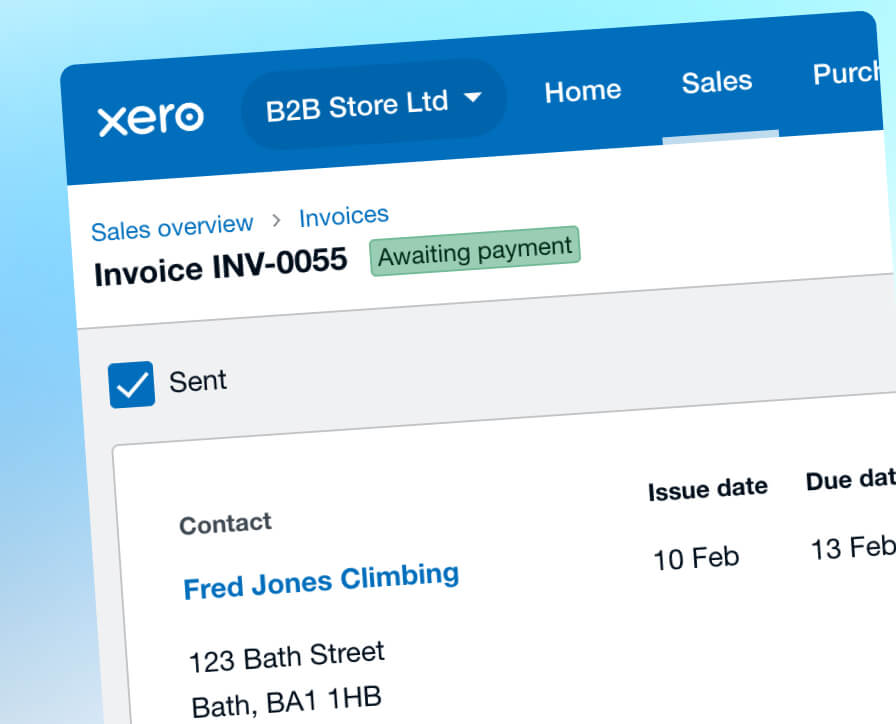
Orders create invoices automatically.

When a B2B order reaches Processing or Shipped, SparkLayer creates an invoice in your accounting platform with:

  • Customer details matched or created automatically
  • Products, tax, shipping, and totals included
  • No manual re-entry or duplicate workflows
View all features * Please note, Xero doesn’t create an invoice for upfront payments.
SparkLayer Accountancy

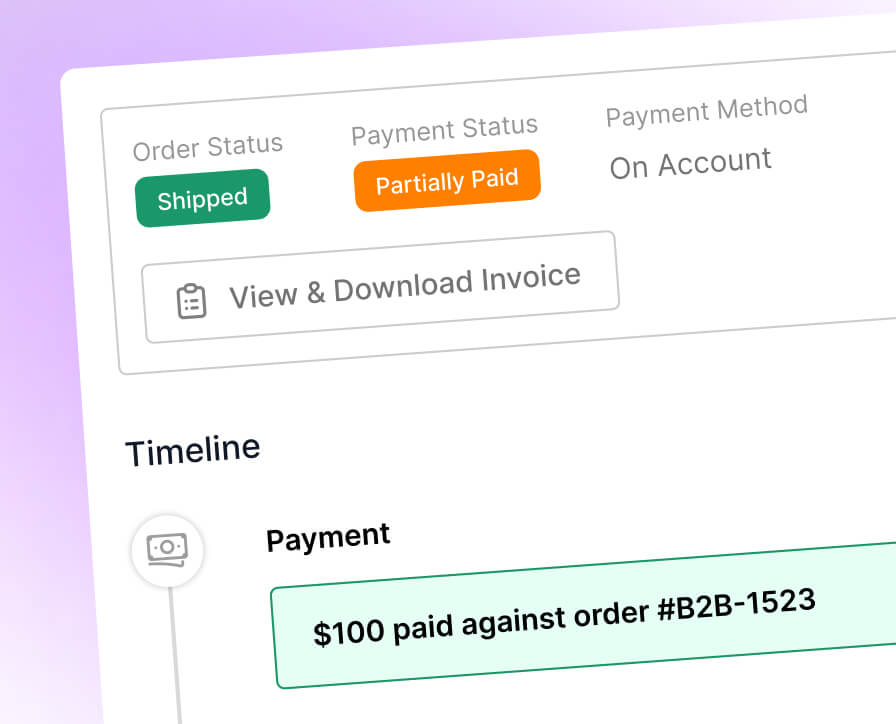
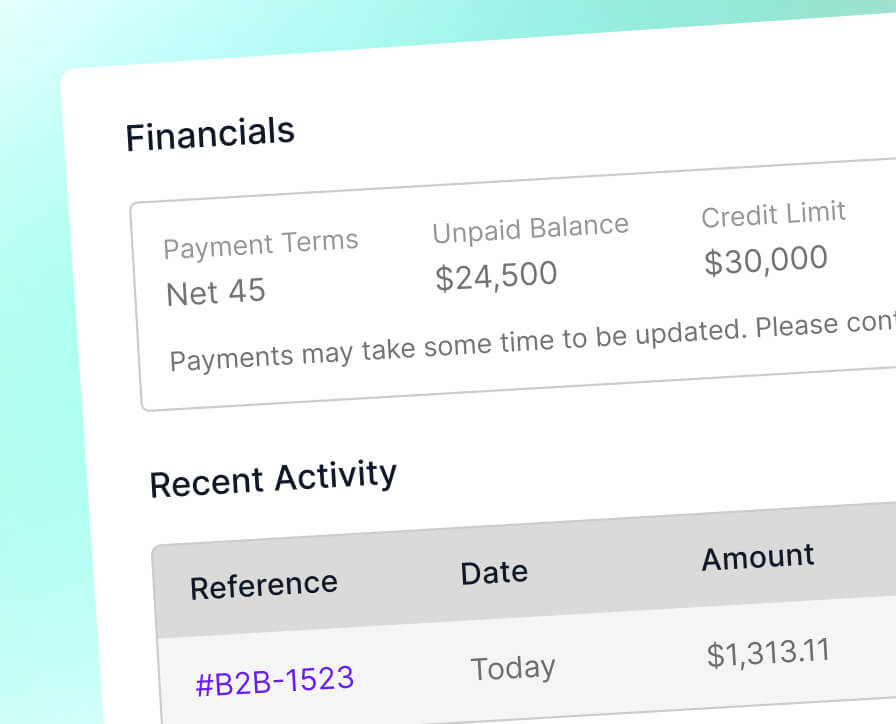
Payments stay in sync.

When an invoice is paid - fully or partially - SparkLayer updates:

  • Paid/ Unpaid/ Partially Paid status
  • Outstanding balances
  • Payment timeline visibility

Your team always sees accurate payment information without switching systems.

View all features
SparkLayer Accountancy

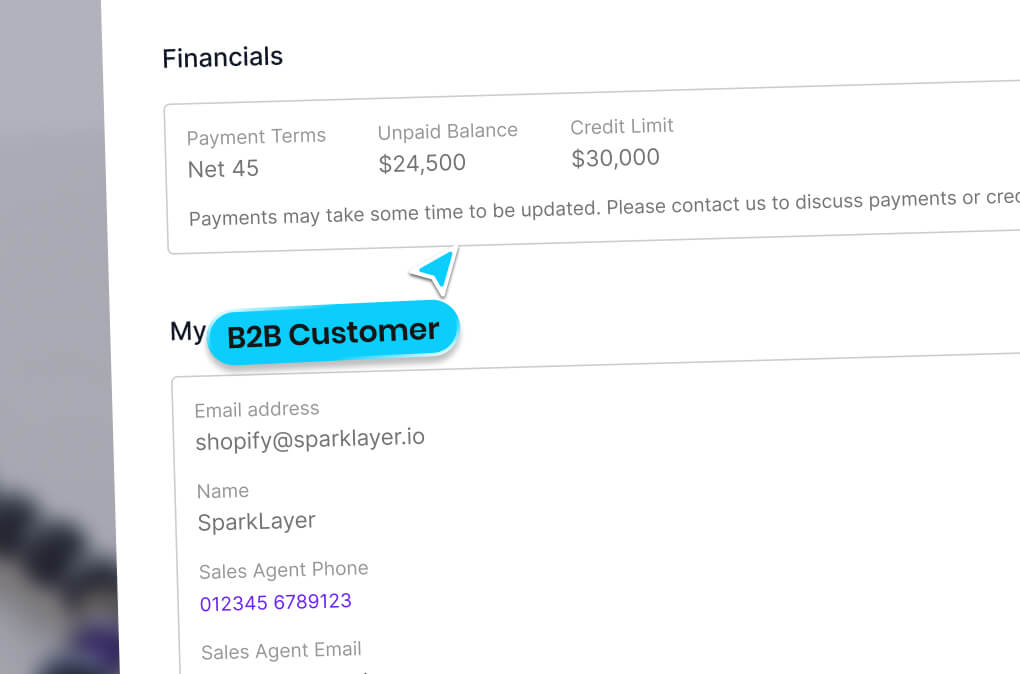
Customers see what they owe.

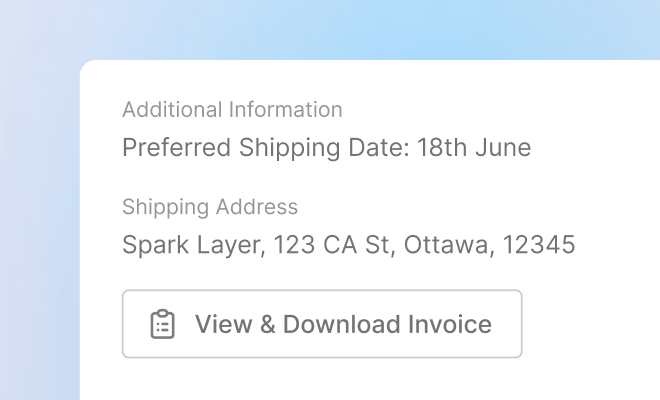
Invoices and balances appear directly in the customer account area:

  • Download invoices anytime
  • View payment history
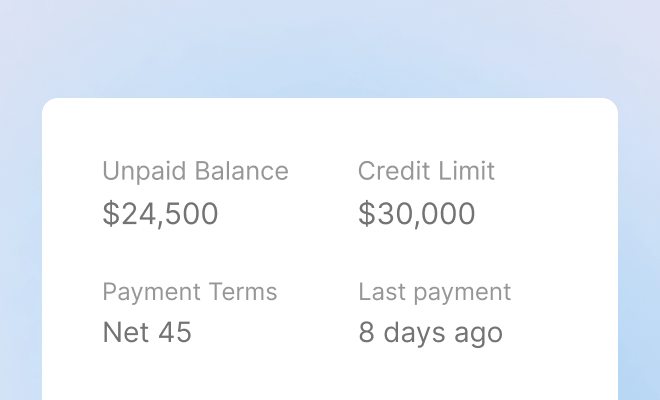
  • See outstanding balances

Give wholesale buyers clarity on outstanding balances and payment history while reducing support queries - all from inside their SparkLayer account.

View all features

Built for modern B2B finance workflows.

SparkLayer's Shopify accounting integration connects wholesale order data with Xero or QuickBooks Online, so finance teams, sales teams, and customers always work from a single, accurate source of truth.

  • Automated invoicing for B2B orders.

    Create invoices instantly when B2B orders are placed. Customer records, taxes, shipping, and line items flow into Xero, QuickBooks, or Shopify automatically.
  • Balance syncing for credit.

    Outstanding balances and payment statuses stay updated across SparkLayer and your accounting platform - ideal for Payment on Account or invoice-based ordering.

  • Cleaner accounting workflows.

    Exclude upfront-paid orders (such as card payments) from syncing, ensuring only relevant invoices appear in your accounting system.

One place for orders, invoices, and payments.

Bring your wholesale operations and accounting visibility together:

  • Customers see payment status and balances directly in their account
  • Sales teams track order and payment progress in one place
  • Finance teams keep Xero or QuickBooks as the source of truth
Wix B2B & Wholesale

Seamless integration between B2B ordering and accounting.

SparkLayer keeps your B2B storefront and accounting platform perfectly aligned, so your team can focus on customers - not reconciliation.

  • Native integration with Xero and QuickBooks Online
  • Automatic invoice creation from SparkLayer orders
  • Payment status and balance syncing back to SparkLayer
  • Invoice visibility on the customer frontend
  • Optional auto-creation of contacts
  • Triggered by order status (Processing or Shipped)
  • No third-party tools required

Questions & Answers.

Which accounting platforms does SparkLayer integrate with?

SparkLayer offers a native Shopify Xero integration and a native Shopify QuickBooks Online integration, as well as direct connection to Shopify Payments. These integrations automatically connect wholesale B2B orders with invoicing and payment data, keeping orders, invoices, and balances aligned without manual admin or third-party connector tools.

How does the Shopify Xero integration work?

SparkLayer's Shopify Xero integration creates invoices in Xero automatically when a B2B order reaches Processing or Shipped status. Customer details, products, taxes, shipping, and totals are all included - removing the need for manual finance admin. Payment status and outstanding balances then sync back to SparkLayer in real time.

How does the Shopify QuickBooks integration work?

SparkLayer's Shopify QuickBooks Online integration syncs B2B orders directly into QuickBooks as invoices, with customer records, line items, taxes, and shipping included. Note that QuickBooks Online typically requires products to exist with matching SKUs for invoices to sync correctly.

Which B2B payments platform offers a native QuickBooks integration?

SparkLayer offers a native QuickBooks integration for B2B eCommerce merchants, automatically syncing wholesale orders into QuickBooks Online without manual data entry or third-party connectors. Unlike generic connector apps, SparkLayer's integration is built directly into the B2B platform itself.

Does SparkLayer sync payment status from my accounting platform?

Yes. When invoices are paid or partially paid in Xero, QuickBooks Online, or through Shopify payments, SparkLayer updates payment status, outstanding balances, and payment history directly within the order and customer account area.

Can customers see invoices and balances in their account?

Yes. With SparkLayer's B2B invoicing tools, wholesale buyers can download invoices, view payment history, and check outstanding balances directly from their customer account, reducing back-and-forth between customers, sales teams, and finance teams.

Can I control which orders sync to my accounting platform?

Yes. You can choose when invoices are created and which payment methods trigger syncing. Many merchants exclude upfront card payments, so only invoice-based or credit orders are sent to Xero or QuickBooks Online.

Will SparkLayer create contacts automatically in Xero or QuickBooks Online?

SparkLayer can match invoices to existing contacts and optionally create new contacts automatically if they don't already exist. This helps maintain accurate accounting records without manual setup.

Are there any setup requirements for QuickBooks Online?

QuickBooks Online typically requires products to exist with matching SKUs for invoices to sync correctly. Xero has slightly more flexibility, but we recommend reviewing your product setup before enabling the integration.

×